How to Build a Website in 5 Minutes Using AI

Originally published on: AllAIWebsite
How to Build a Website in 5 Minutes Using AI (No Coding Required)
If you’ve ever tried to create a website from scratch, you already know the time traps: picking a template, writing copy, resizing images, figuring out mobile layout, and then staring at a blank “Home” page, wondering what to write. Check this: Build a website in 5 minutes using AI and an AI website generator for small businesses.
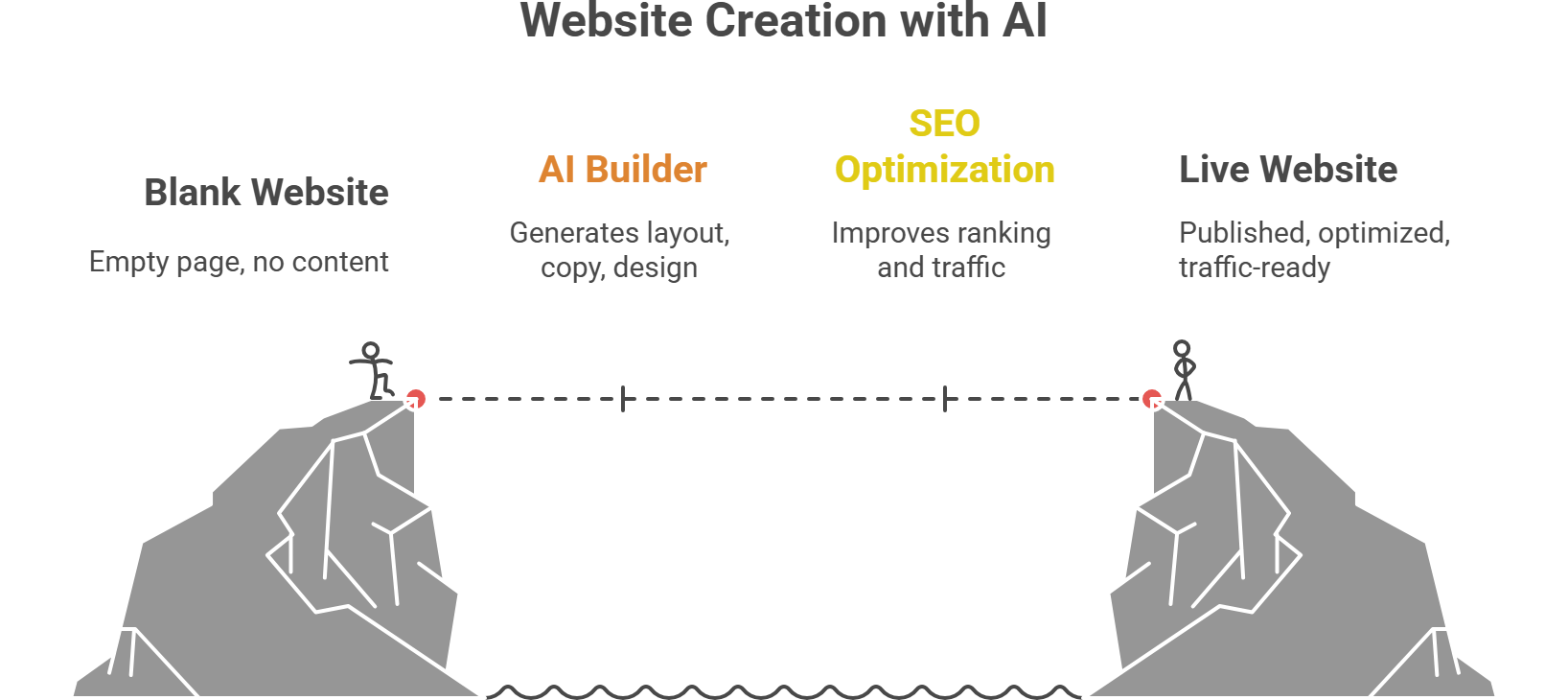
AI website builders remove the hardest parts – layout, copy, sections, and design consistency – so you can publish fast and improve later. This guide shows you exactly how to build a website in 5 minutes using AI (without coding), plus the SEO steps that help it actually rank and bring traffic. Know about the best free AI website builder 2026 and how to customize AI generated website.
What you need before you start (30 seconds)
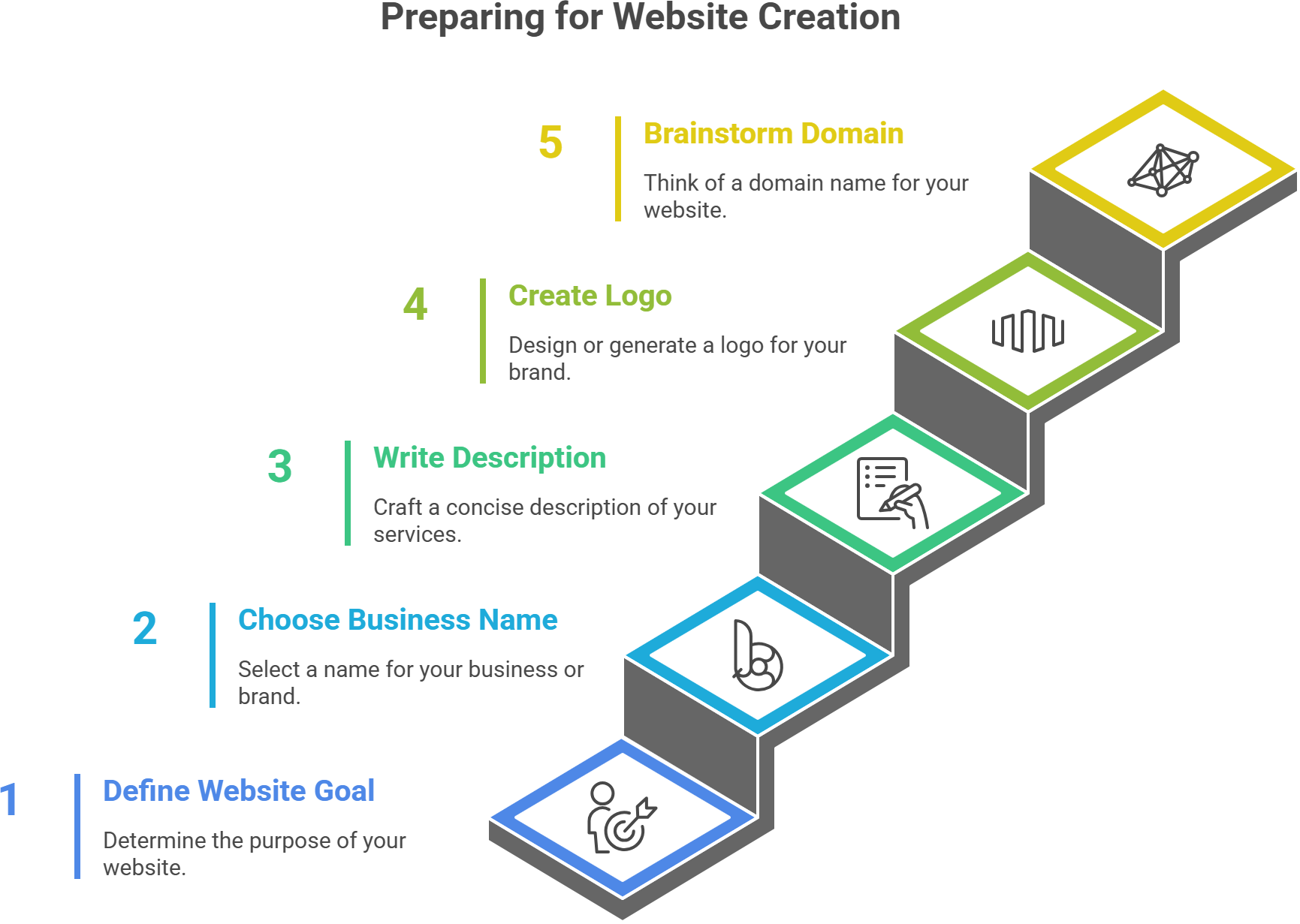
To finish in ~5 minutes, have these ready:
- Your website goal: business site, portfolio, landing page, or store
- Business/brand name (or personal name)
- A short description of what you do (1 sentence)
- A logo (optional – AI can generate one, too)
- A domain idea (optional – you can connect it later)
That’s it.
Step-by-step: Build a website with AI in ~5 minutes
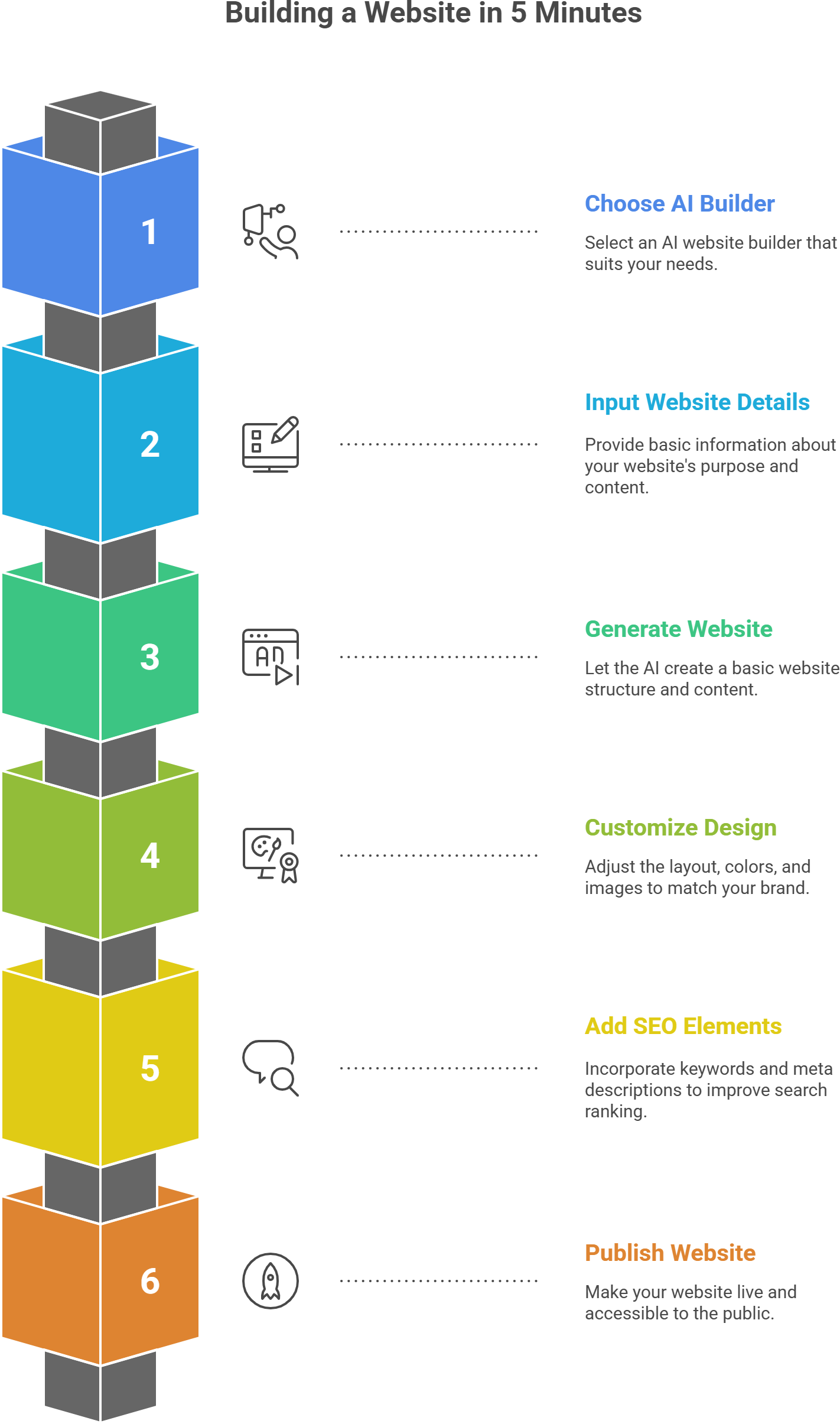
Minute 1: Choose the right AI website builder (based on your goal)
Different builders excel at different outcomes. Here’s a quick selection guide (not exhaustive):
- Fastest “done-for-you” business sites: Durable-style builders, Hostinger-style AI builders
- Best for polished templates + easy editing: Wix ADI/Squarespace-style builders
- Best for modern landing pages + startups: Framer-style builders
- Best for designers who still want control: Webflow-style builders (more time, more flexibility)
If you want to compare options, explore a curated list on allaiwebsite.com (AI website builders + use cases).
Rule of speed: pick the builder that generates the whole site (not just a single page).
Minute 2: Answer the AI prompts (this is where the magic happens)
Most AI website builders ask variations of:
- What’s your business name?
- What do you offer?
- What style do you want? (modern, minimal, bold, elegant)
- What sections do you need? (services, testimonials, pricing, contact)
Be specific. AI outputs improve dramatically with one extra detail.
Example input (copy/paste and edit):
- Business: “Northside Cleaning Co.”
- Offer: “Residential + office cleaning in Austin, TX.”
- Differentiator: “Eco-friendly products, same-day booking.”
- Goal: “Get calls and quote requests”
Minute 3: Let AI generate the site, then lock the structure
When the builder generates your website, you’ll usually get:
- A homepage with sections (hero, services, testimonials, FAQs, contact)
- An about page
- A contact page
- Sometimes a blog page
Before you tweak colors and fonts, do this first:
Keep it simple:
- 1 clear headline
- 1 clear call-to-action button (Book, Get Quote, Contact)
- 3–6 service bullets max
- 1 contact method that works (form + email/phone)
Speed comes from making decisions quickly, not designing endlessly.
Minute 4: Replace filler text with high-converting copy (use these AI prompts)
Most AI sites fail because the copy is generic. Fix that in 60 seconds.
Use these prompts in your AI writer (or inside your website builder if it includes AI copy):
Prompt 1: Homepage hero section
“Write a homepage hero headline and subheadline for a [type of business] that helps [target customer] get [outcome]. Tone: clear, confident, not hype. Include a CTA button text.”
Prompt 2: Services section
“Create 5 service bullets for [business] offering [services]. Make each bullet benefit-focused and easy to scan.”
Prompt 3: About section
“Write an About section (120–160 words) that builds trust for a [business type]. Include: who we help, what makes us different, and a friendly closing line.”
Prompt 4: FAQ section (SEO gold)
“Generate 8 FAQs for [service] in [location]. Include questions about pricing, timeline, what’s included, and how to book.”
FAQs often pull long-tail search traffic (and keep visitors on-page longer).
Minute 5: Publish + do the 5-minute SEO setup (don’t skip this)
You can publish immediately, but do these quick SEO steps first:
On-page SEO essentials
- Page title: include your main keyword near the start
Example: “Austin Eco-Friendly House Cleaning | Northside Cleaning Co.” - Meta description: 1–2 sentences, include service + location + benefit
- H1: one clear headline (not “Welcome to our website”)
- Add your location if you’re local (city/area)
- Add alt text to 2–3 main images (“office cleaning team in Austin”)
Trust essentials
- Add Contact info (phone/email)
- Add a basic Privacy Policy + Terms (most builders provide templates)
- Add social links if available
Then hit Publish.
The “5-minute website” formula that actually converts
A fast website is great – but a fast website that gets leads is better. Use this structure:
1) Hero (above the fold)
- Who it’s for + what you do
- One benefit
- CTA button
2) Social proof
Testimonials, star rating, logos, “Trusted by…”
3) Services
3–6 offerings max
4) How it works
3 simple steps (Book → We deliver → You enjoy results)
5) FAQ
Great for SEO + objections
6) Contact
Form + phone/email + hours
Also, this layout works for most small business sites, portfolios, and landing pages.
Best practices to get traffic after publishing (simple but effective)
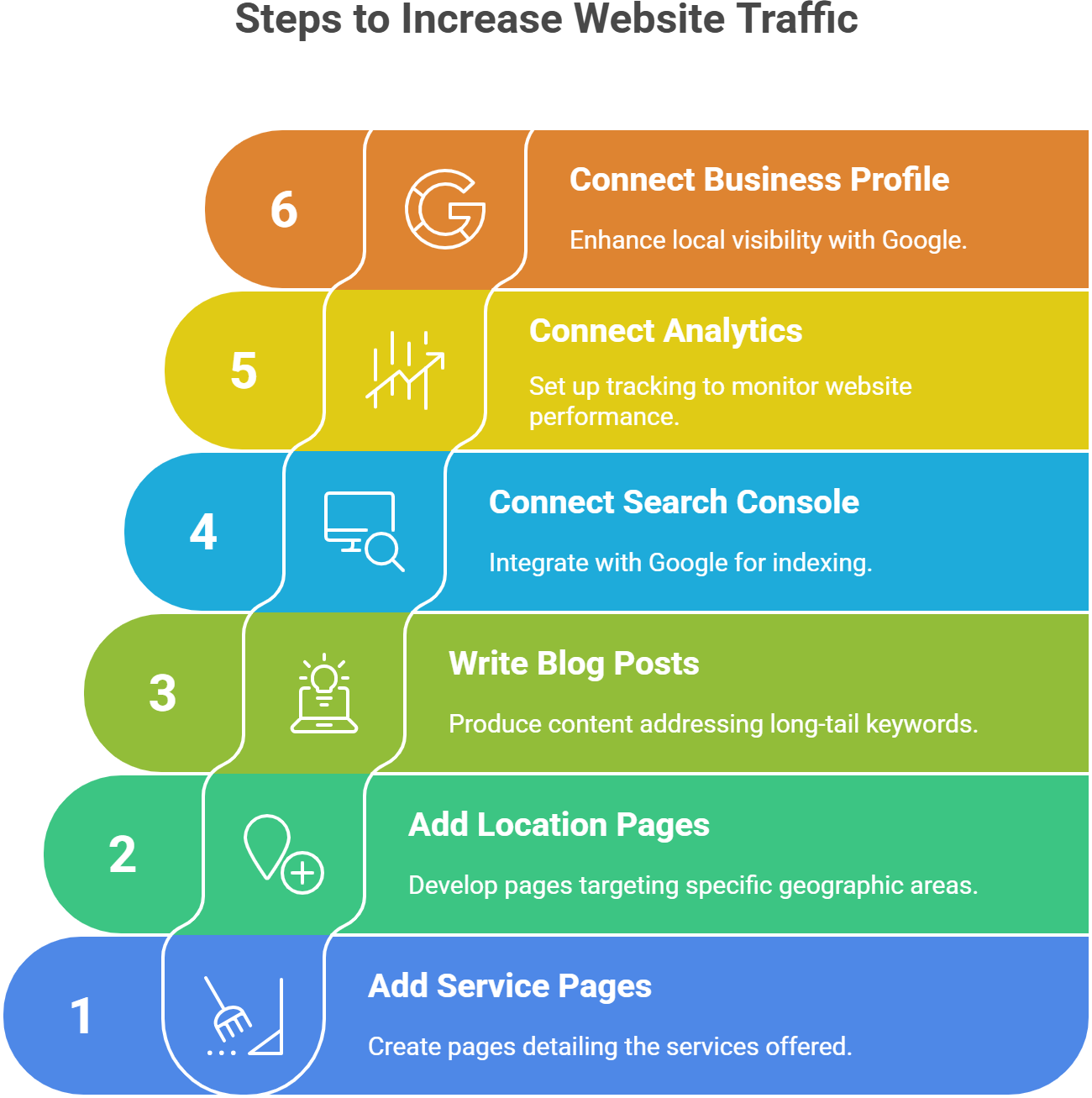
If you want high traffic, your website needs pages that match what people search.
Add these pages (easy wins)
- Service pages: “House Cleaning,” “Office Cleaning,” “Move-Out Cleaning.”
- Location pages (if relevant): “House Cleaning in Austin,” “House Cleaning in Round Rock.”
- Blog posts targeting long-tail keywords:
- “How much does move-out cleaning cost in Austin?”
- “Best time to deep clean your home (checklist)”
Connect the basics
- Google Search Console (so Google can index your site)
- Google Analytics (so you know what’s working)
- Google Business Profile (if you serve a local area)
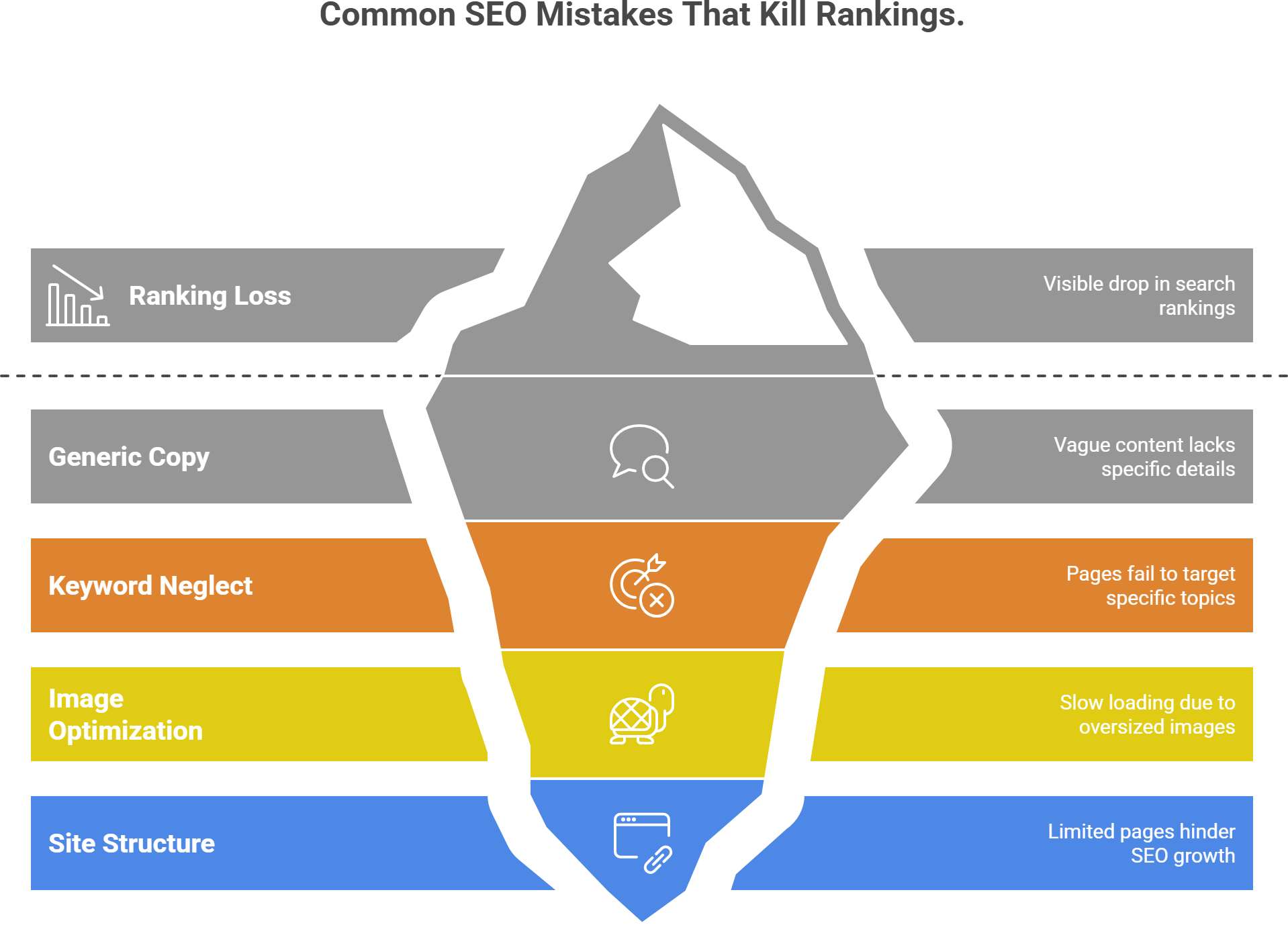
Common mistakes that kill rankings (avoid these)
Generic copy everywhere (“We provide quality services…”)
Replace with specifics: audience, outcomes, location, differentiator.No keyword focus per page
Each page should target one main topic.Slow, oversized images
Compress images; AI builders often add heavy visuals.One-page site only (for competitive niches)
Add at least 3–5 supporting pages to grow SEO reach.
Quick checklist: “AI website in 5 minutes” (copy/paste)
- Pick an AI website builder (goal-based)
- Enter business name + offer + location + style
- Generate site
- Set one CTA (Book / Get Quote / Contact)
- Replace hero + services copy using prompts
- Add FAQ section
- Set SEO title + meta description
- Publish
FAQ
Can AI really build a website in 5 minutes?
Yes – if you use an AI website builder that generates the structure and copy automatically. Custom branding, perfect images, and advanced SEO take longer, but publishing a clean, working site is fast and create website with AI in minutes.
What’s the best AI website builder for beginners?
Look for: full-site generation, simple editor, mobile-friendly templates, and easy domain connection. (Also, you can compare popular AI website builders on allaiwebsite.com.)
Can I build a website with AI for free?
Many website builders offer free trials or free plans (often with limitations like subdomains or ads). If you want a custom domain, that usually becomes paid.
Will an AI-built website rank on Google?
It can, but rankings come from content quality, page structure, speed, and relevance. Also, add service pages, write targeted blog posts, and follow basic on-page SEO.
Final tip: Publish fast, improve weekly
The biggest advantage of building with AI is the momentum it provides. So, get online today, then improve one thing per week:
- Week 1: refine copy + CTA
- Week 2: add 2 service pages
- Week 3: publish 2 blog posts targeting long-tail keywords
- Week 4: add testimonials + optimize images


Comments
Post a Comment